Each template describes a reusable way to work with AI: what to understand, which decisions to make and what to produce. Choose one for your task, then develop its model behaviour, instructions and tools around your material.
The examples show these templates in use. Discovery and definition can start from a customer conversation; solution design can develop the resulting brief into a proposal. Use a template on its own, combine it with another, or develop your own.
Discovery and definition
Clarify an emerging need. Draw out requirements, resolve ambiguity and agree what the work should achieve.
You bring
Conversations, observations, demonstrations and documents describing a need.
You produce
A reviewed brief with requirements, constraints, open questions and success criteria.
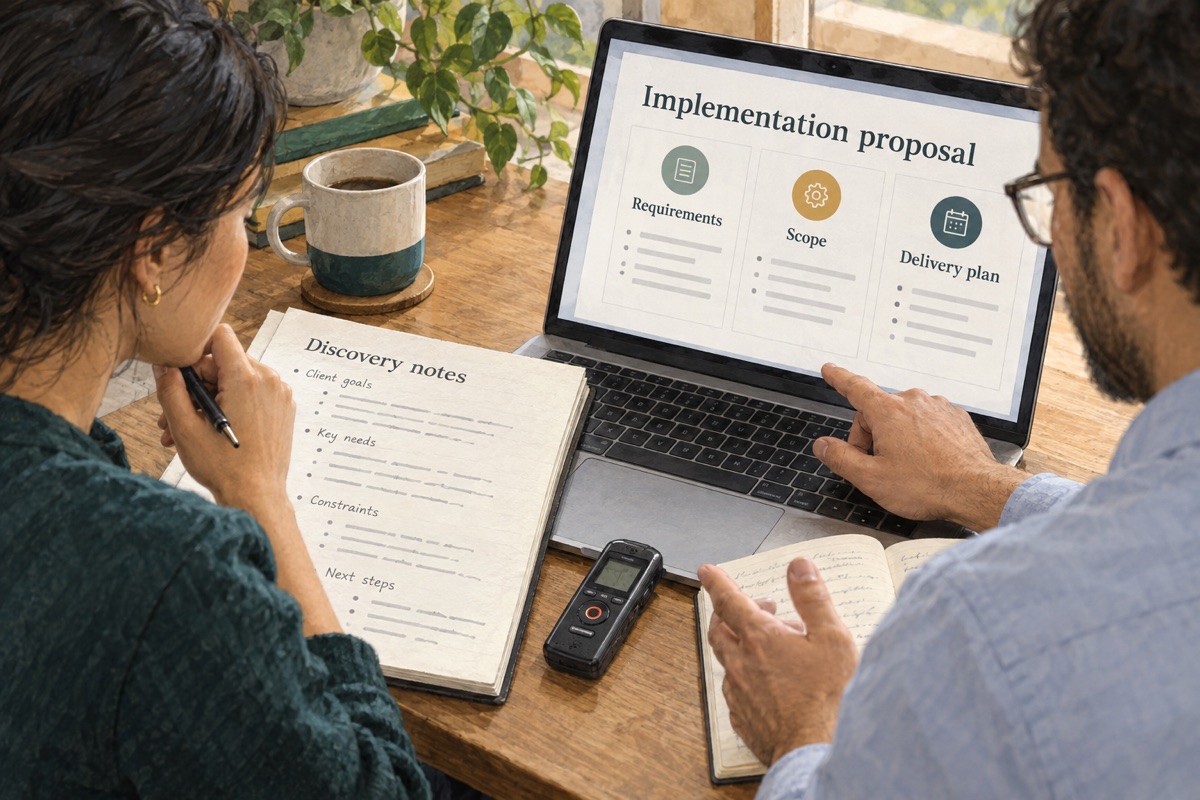
Example: Requirements to Proposal. Discovery conversations and documents establish the requirements for an implementation proposal.Model adaptation and workflow
Teach the model
Recognise requirements across spoken and visual evidence, ask useful questions and preserve distinctions between needs, preferences and assumptions.
Training examples
Discovery excerpts paired with reviewed requirements, clarification exchanges and corrections.
Workflow instructions
The discovery topics, requirement fields, source references and procedure for confirming the brief.
Evidence synthesis
Combine sources to establish what is supported, where accounts differ and what remains unknown.
You bring
Interviews, recordings, observations, images, documents and a question to investigate.
You produce
Findings linked to evidence, contrasting perspectives and unresolved questions.
Example: Research Synthesis. Interview evidence becomes research findings and open questions.Model adaptation and workflow
Teach the model
Connect evidence across sources, distinguish observations from interpretations and recognise weak or conflicting support.
Training examples
Source collections paired with reviewed findings, evidence references and corrected conclusions.
Workflow instructions
The question, source selection criteria, citation format and review checklist.
Decisions and actions
Identify agreements and commitments, confirm who will act and carry unresolved issues into the next step.
You bring
Discussions, messages, recordings and records of earlier decisions.
You produce
A decision record and action list with confirmed owners, dates and unresolved items.
Example: Meeting follow-up. A meeting becomes confirmed decisions, named owners and next steps.Model adaptation and workflow
Teach the model
Distinguish suggestions from decisions, interpret commitments and detect missing or conflicting ownership.
Training examples
Discussion excerpts paired with reviewed decisions and actions, including cases with no agreement.
Workflow instructions
The decision and action fields, confirmation process, follow-up schedule and handling of unconfirmed details.
Coordinated planning
Organise activities around an agreed goal. Align dependencies, resources, responsibilities and timing.
You bring
A goal, constraints, audience or stakeholder information and examples of earlier plans.
You produce
A coordinated plan with activities, dependencies, responsibilities and a schedule.
Example: Campaign Planning. A product brief becomes a campaign with messages, channels and dates.Model adaptation and workflow
Teach the model
Relate activities to the goal, recognise dependencies and identify conflicts in timing or resources.
Training examples
Briefs paired with reviewed plans, alternatives and feedback explaining planning decisions.
Workflow instructions
The planning fields, available resources, milestones, calendar and approval stages.
Content creation
Shape source material into communication for a particular audience. Develop the narrative and refine its meaning, tone and format.
You bring
Interviews, recordings, images, reference material and an audience or communication goal.
You produce
An editable article, script, briefing or other communication grounded in its sources.
Example: Content Production. An interview and reference documents become an editable article.Model adaptation and workflow
Teach the model
Select relevant material, shape a coherent narrative, preserve meaning and revise without introducing unsupported claims.
Training examples
Sources paired with approved drafts, editorial comments and corrected versions.
Workflow instructions
The audience, format, style guide, attribution rules, length and editorial review procedure.
Process capture
Make practical know-how repeatable. Connect explanations to observed actions and capture prerequisites, decisions and exceptions.
You bring
Demonstrations, spoken explanations, photographs and existing working instructions.
You produce
A repeatable procedure with ordered steps, decision points, exceptions and checks.
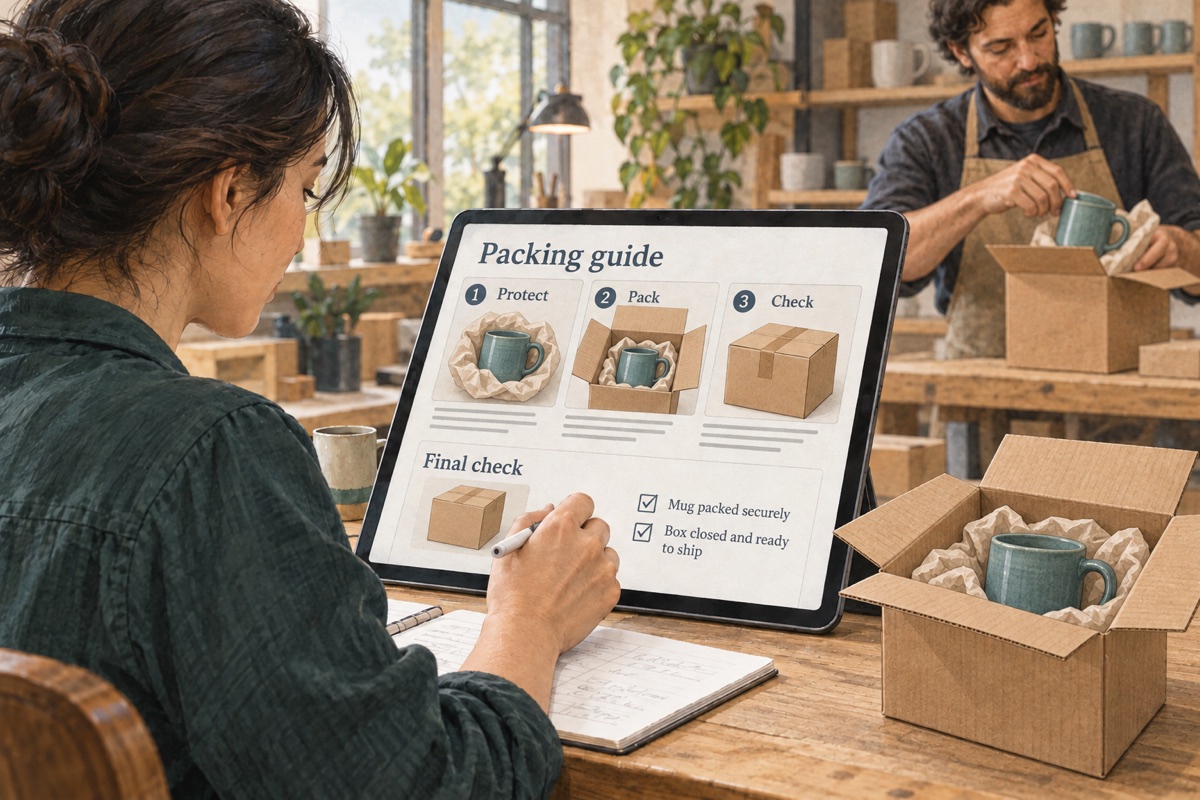
Example: Process Documentation. A packing demonstration becomes a procedure someone else can follow.Model adaptation and workflow
Teach the model
Connect what someone says with what they do, identify prerequisites and sequence actions so another person can follow them.
Training examples
Demonstrations paired with reviewed procedures, annotated steps and missing or exceptional cases.
Workflow instructions
The procedure format, required prerequisites, relevant standards, exception handling and sign-off stages.
Learning design
Help people acquire and apply knowledge. Match explanations, practice and assessment to the learner and the intended capability.
You bring
Learning needs, expert demonstrations, recordings, images and source guidance.
You produce
Learning objectives, explanations, practice exercises and checks of understanding.
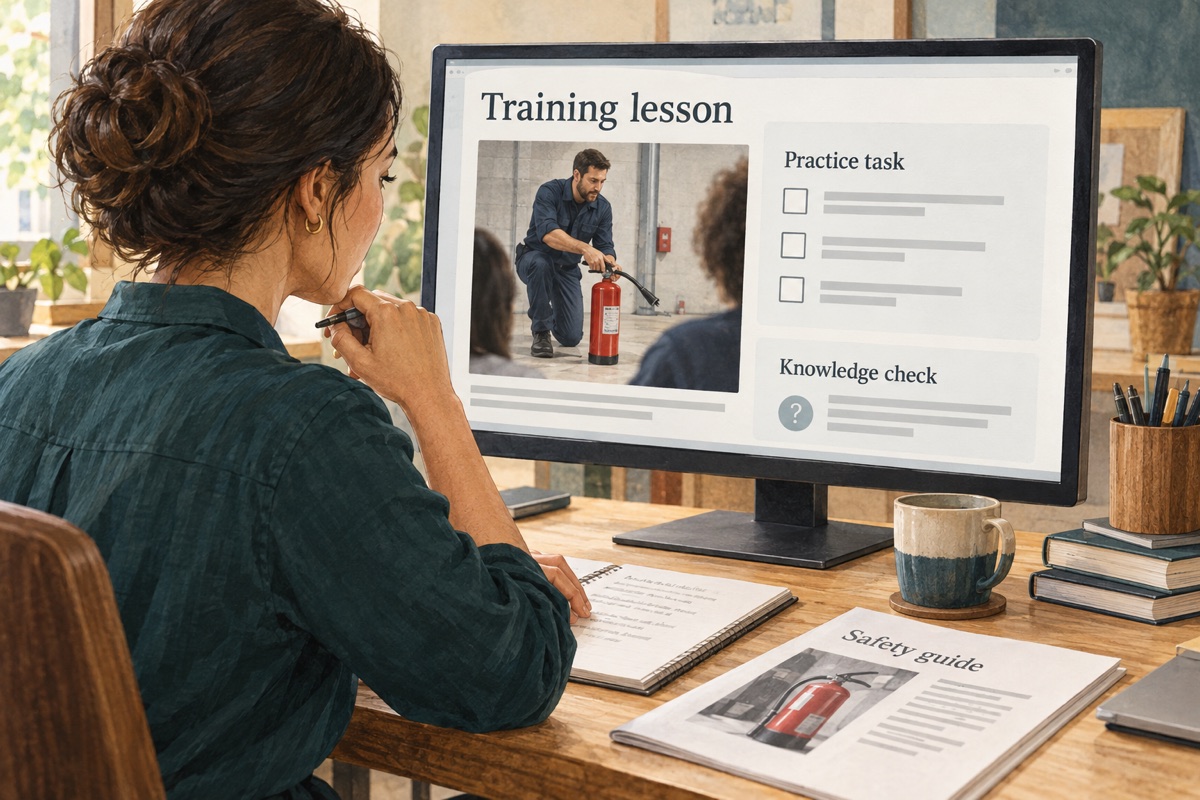
Example: Training Development. Safety guidance becomes a lesson, a practice task and a knowledge check.Model adaptation and workflow
Teach the model
Explain concepts at the learner’s level, recognise likely misconceptions and develop practice that tests the intended learning.
Training examples
Source material paired with reviewed lessons, learner questions, exercises and feedback on their effectiveness.
Workflow instructions
The learner profile, objectives, lesson structure, duration, assessment rubric and accessibility requirements.
Solution design
Develop a response to an established brief. Compare approaches, define deliverables and check the assumptions and trade-offs behind the recommendation.
You bring
A confirmed brief, constraints, relevant evidence and examples of previous solutions.
You produce
A recommended approach with scope, deliverables, assumptions, trade-offs and acceptance criteria.
Example: Proposal Development. A client brief becomes a proposal with an approach, deliverables and acceptance criteria.Model adaptation and workflow
Teach the model
Connect requirements to possible approaches, assess trade-offs and keep proposed commitments consistent with the brief.
Training examples
Briefs paired with reviewed approaches, scope revisions, alternative solutions and reviewer corrections.
Workflow instructions
The option comparison criteria, estimation method, current reference information, output structure and approval procedure.
DEVELOP YOUR OWN CAPABILITY
Start with what you already have.
A brainstorming recording, a demonstration, a process diagram or a set of documents can be the starting point. Tell Turnwise what you want to achieve.
Turnwise helps interpret your material, clarify the goal and identify questions that need your input. It proposes a working approach: which models could help, what instructions to define, which tools to connect and how to assess the result.
Where model adaptation looks useful, Turnwise helps identify the behaviour to teach and the examples needed. Trials with your material help establish whether an existing model is sufficient and what further training could improve.
You review the suggestions, supply missing business knowledge and refine the approach with Turnwise. Use it to complete the immediate task, then develop a reusable template for similar work.
What you develop with Turnwise
A goal and success criteria. Turnwise helps turn your description into a proposed result and review criteria. You confirm what matters to the people using it.
A working procedure. Develop the steps, decisions, sources, tools and review requirements together. Turnwise helps draft reusable workflow instructions.
Examples with their sources. Use Turnwise to prepare candidate examples from your material. Review the outputs and the decisions behind them before using them for adaptation.
Corrections and exceptions. Refine the approach with cases where information is missing or the usual procedure does not fit.
Cases for assessment. Reserve examples outside the training material to compare models and test the complete workflow.
Use material you are authorised to include in training. Keep changing reference information available as sources for each task.
Work with our team. Our team can help capture expert decisions, prepare material, develop adaptations and integrate the capability into your business.